

Smart home treadmill sales have exploded as people look for efficient, connected cardio equipment that fits into modern living spaces and supports app-driven workouts.
Key Takeaways
- Smart home treadmills with app connectivity are growing quickly, driven by demand for foldable, space-saving, connected fitness solutions.
- Most guides fail to highlight real-world pain points, pricing, and integration tips—this guide covers what really matters.
- Buying and integrating a smart home treadmill means looking past specs to evaluate software, ecosystem compatibility, and realistic ownership challenges.
- What is a Smart Home Treadmill (and Why They Matter)
- How to Choose and Set Up a Smart Home Treadmill (Step-by-Step Guide)
- Advanced Analysis & Common Pitfalls
- Conclusion
- FAQ
What is a Smart Home Treadmill (and Why They Matter)
A smart home treadmill combines classic treadmill hardware with digital connectivity—think Bluetooth, Wi-Fi, touchscreens, or app integration. These treadmills pair with platforms such as Zwift or Peloton for interactive training, and often feature foldable designs to suit homes where space is valuable.
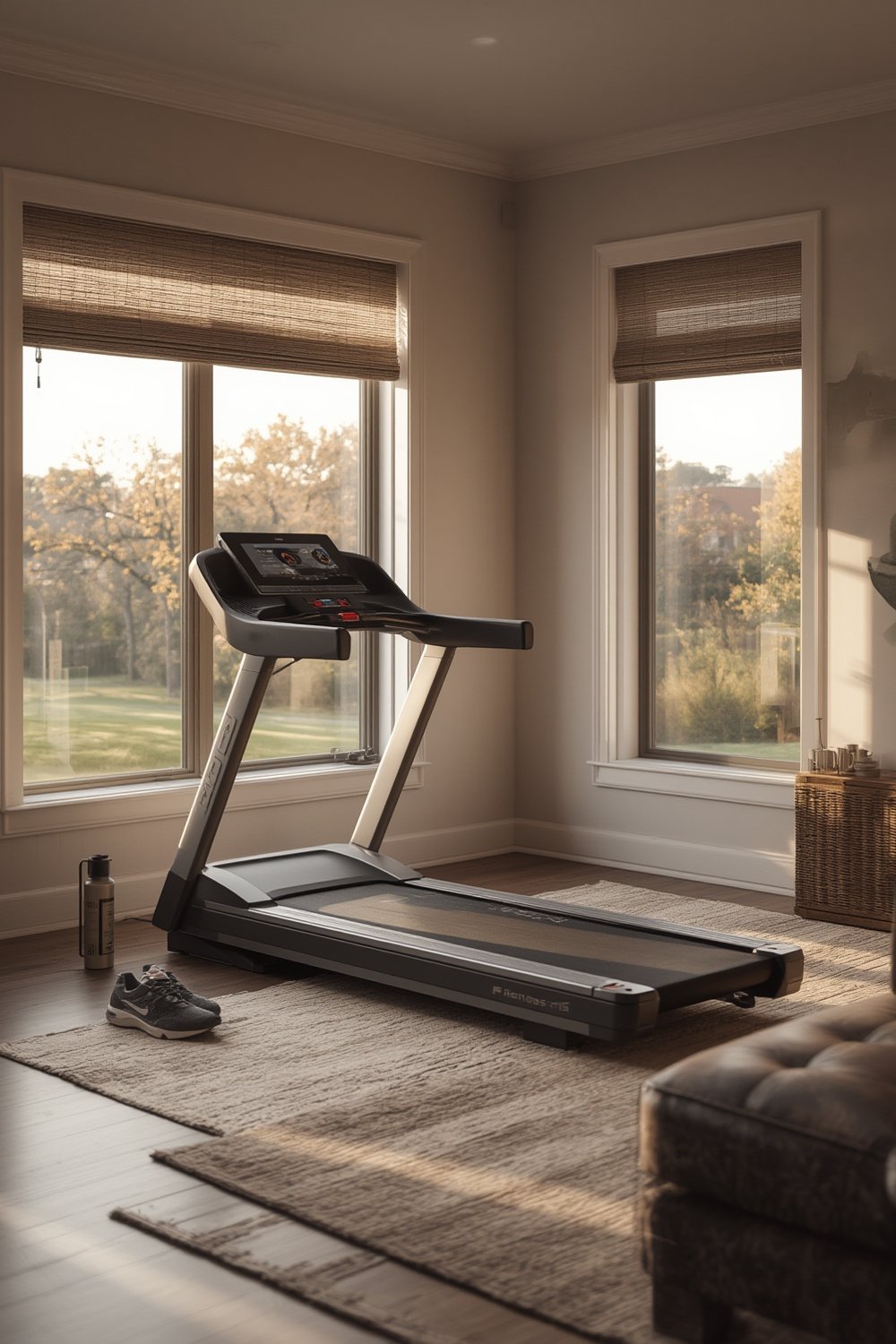
According to recent market research, the global smart treadmill segment alone is estimated at USD 1.2 billion in 2024 and projected to double by 2033, fueled by home gym adoption, app demand, and the post-pandemic shift toward at-home wellness routines. Connected gym equipment is trending fastest among Gen-Z and Millennials, who expect space-saving, stylish machines that sync with mobile fitness apps and subscription programs.
Smart home treadmills stand out because they can:
- Deliver interactive workouts, leaderboards, and real-time feedback via proprietary or third-party apps.
- Track key metrics—speed, heart rate, incline, calories burned—and sync with broader home gym setups.
- Fold and store compactly, resolving the classic problem of bulky cardio hardware cluttering home spaces.
Unlike traditional treadmills, these connected machines offer ongoing value through app updates, progress tracking, and workout variety—all designed to keep users more engaged for longer periods. Space-limited, data-driven, and flexibility-focused buyers are driving the category’s fast growth.
For a look at the broader evolution of home gym technology, you can also explore our deep-dive into smart home gym equipment.
How to Choose and Set Up a Smart Home Treadmill (Step-by-Step Guide)
Choosing and setting up the right smart home treadmill means thinking beyond simple horsepower or price tags. You need to evaluate connectivity, compatibility, space needs, and real-world ownership factors.
- Measure Your Space
Check both unfolded and folded treadmill dimensions. Most smart home treadmills are designed to be compact, but always measure doorways and ceiling height if you want incline functionality or plan to fold it upright. - Research Key Features
Focus on features like Bluetooth/Wi-Fi for app integration, compatibility with platforms like Zwift or Peloton, the quality of the folding mechanism, touchscreen usability, and built-in heart rate monitoring. Find machines that support well-known fitness apps for widest ecosystem compatibility. - Compare App Ecosystems
NordicTrack/ProForm (ICON), Life Fitness, and Technogym are leaders in app-integration, but each brand’s ecosystem is different. Some lock you into subscriptions, while others let you use open platforms like Zwift or Apple Health. For pure app-driven tracking with strength tools, see our guides on smart resistance bands and smart jump rope. - Check Real Owner Experiences
Look for reviews that mention connectivity reliability, app updates, and customer support—not just generic treadmill feedback. - Inspect Connectivity and Warranty Terms
Before you buy, validate the warranty (at least 1-2 years on frame/motor, 90+ days on labor) and see if there are affordable financing options. Financing can make high-end smart treadmills more accessible, but always check the interest and terms. - Setup and Integrate
Once delivered, position the treadmill close to a reliable Wi-Fi access point. Install all relevant app updates, pair wearables as needed, and connect with your preferred smart home or health dashboard.
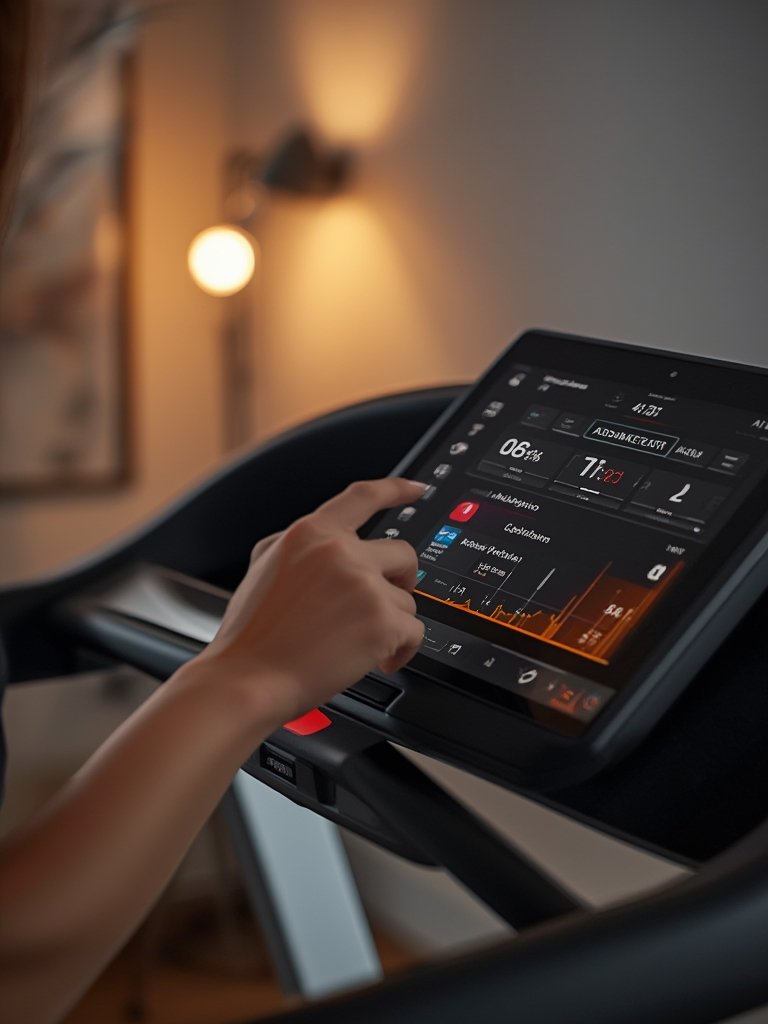
If you’re working with limited space or multi-use rooms, always review connected home gym design strategies to help everything function smoothly together.
Maximize your treadmill’s integration with these bonus steps:
- Sync your treadmill workouts to your fitness tracker and phone so all your cardio and strength sessions are logged in one place.
- Create app automation routines, such as auto-activating fans, lighting, or music when your session starts—or enable voice commands if your chosen brand’s platform allows it.
- Place anti-vibration mats under the treadmill to protect your floor and enhance app-reported biomechanics data.
Advanced Analysis & Common Pitfalls
Smart home treadmills promise a seamless fitness experience, but there are real-world challenges that buyers and owners face. Here are the main issues—and how they compare across brands.
| Feature | Potential Issue | Impact | How to Avoid |
|---|---|---|---|
| Bluetooth / Wi-Fi Connectivity | Connection drops during sessions No or slow firmware/app updates |
Data loss, interrupted workouts | Choose models with frequent firmware updates and dual-band Wi-Fi. Locate near router. |
| App Ecosystem/Subscription | Locked-in platforms App glitches, delayed support |
Lost progress or limited exercise variety | Pick brands that allow open-platform syncing (e.g., Zwift, Apple Health, Google Fit) |
| Folding Mechanism | Flimsy construction Hydraulics or latches fail over time |
Safety concerns, lack of long-term utility | Check owner photos/videos, look for full steel frames, request demo if possible |
| Motor/Drive Durability | Burnout under heavy use Unresponsive customer service |
Unexpected downtime, repair headaches | Opt for at least 2.5 HP for running, 1-year+ motor warranty |
| Privacy & App Data | Unclear privacy terms Unexpected sharing of health/activity info |
Data exposure, spam | Scrutinize permissions, use guest mode where possible |
Many high-ranking product guides gloss over these points. Our research found that few competitors address ownership frustrations—especially about connectivity reliability, failed app integrations, or poor warranty clarity. For a deeper look into connected accessories with fewer ecosystem lock-ins, review our digital jump rope guide.
Average price, financing, and warranty details for smart home treadmills remain elusive due to a lack of transparency from many brands. Carefully compare retailers and always clarify the details, especially if buying a foldable smart treadmill with app connectivity.
Don’t forget: If you’re expanding your setup later, include compatible equipment such as interactive boxing trainers or smart strength bands to keep your home gym ecosystem seamless and adaptable.
Want even deeper comparison? Browse tech forecast reports or explore detailed industry reviews to see where smart treadmill innovation is trending and how it ties into other smart home gym equipment.
Conclusion
Smart home treadmills are reshaping how we train indoors, but choosing wisely requires looking beyond flashy features. Connectivity, app ecosystem, space, and realistic support all matter as much as technical specs. Avoid common pitfalls—research owner feedback, review warranty fine print, and ensure your target apps work with your devices and smart home setup. With forethought, a smart home treadmill can anchor a truly modern, connected home gym. Ready to level up? Explore other connected fitness tools in our full smart home gym equipment guide or get inspired for next-level setups using music-based interactive boxing trainers and more.
Take control of your cardio—make your first step smarter!
FAQ
What makes a treadmill a “smart home treadmill”?
A smart home treadmill connects to apps or other smart devices via Wi-Fi or Bluetooth, monitors metrics like heart rate and distance, and often integrates with interactive workouts or smart home platforms.
Are foldable smart treadmills durable enough for daily use?
Durability depends on the frame and folding mechanism. Look for models with steel frames and well-reviewed folding systems to ensure they last with regular use.
Can I use a smart treadmill without paying for a subscription?
Basic features (manual run/walk, speed/incline) are usually available without a subscription, but most interactive content, leaderboards, and advanced app features require a paid plan.
Do smart home treadmills fit into small apartments?
Many current models are designed for small spaces, featuring compact folding hardware. It’s essential to verify dimensions both in use and when folded before buying.
How do smart treadmills compare to other connected cardio equipment?
Smart treadmills remain the top choice for high-intensity walking and running, but connected accessories like smart jump ropes or resistance bands are better for portability or quick sessions.