

Connected Rowing Machines are quickly redefining home fitness, delivering virtual coaching, app tracking, and immersive workouts from your living room. Whether you want interactive challenges or just more accountability, these smart machines can upgrade your cardio routine—if you know what to look for. But jumping in without understanding the real pros and pitfalls can lead to costly mistakes. Here’s a practical guide to navigating the world of connected rowing machines—based on real user feedback, current 2024 market stats, and what the other guides aren’t telling you.
Key Takeaways
- Connected rowing machines see high demand for home use, with digital features like Bluetooth, app integration, and virtual coaching leading the trend.
- Most complaints focus on unreliable app connectivity, software glitches, high upfront costs, and unclear data privacy practices.
- Buyers should compare resistance types, app ecosystems, durability, and ongoing costs before choosing a model.
- What Are Connected Rowing Machines and Why Are They Popular?
- How to Set Up and Maximize a Connected Rowing Machine at Home
- Advanced Analysis: Real-World Problems and Pitfalls
- Conclusion
- FAQ
What Are Connected Rowing Machines and Why Are They Popular?
Connected rowing machines, sometimes called smart rowers, combine traditional full-body rowing exercise with digital features like Bluetooth, app connectivity, real-time feedback, and virtual workouts. Unlike older machines, these models sync with smartphones or tablets, letting you track your stats, join virtual classes, or even compete with others online. It’s a major shift—especially for those building a smart home gym after the pandemic boom in home fitness.
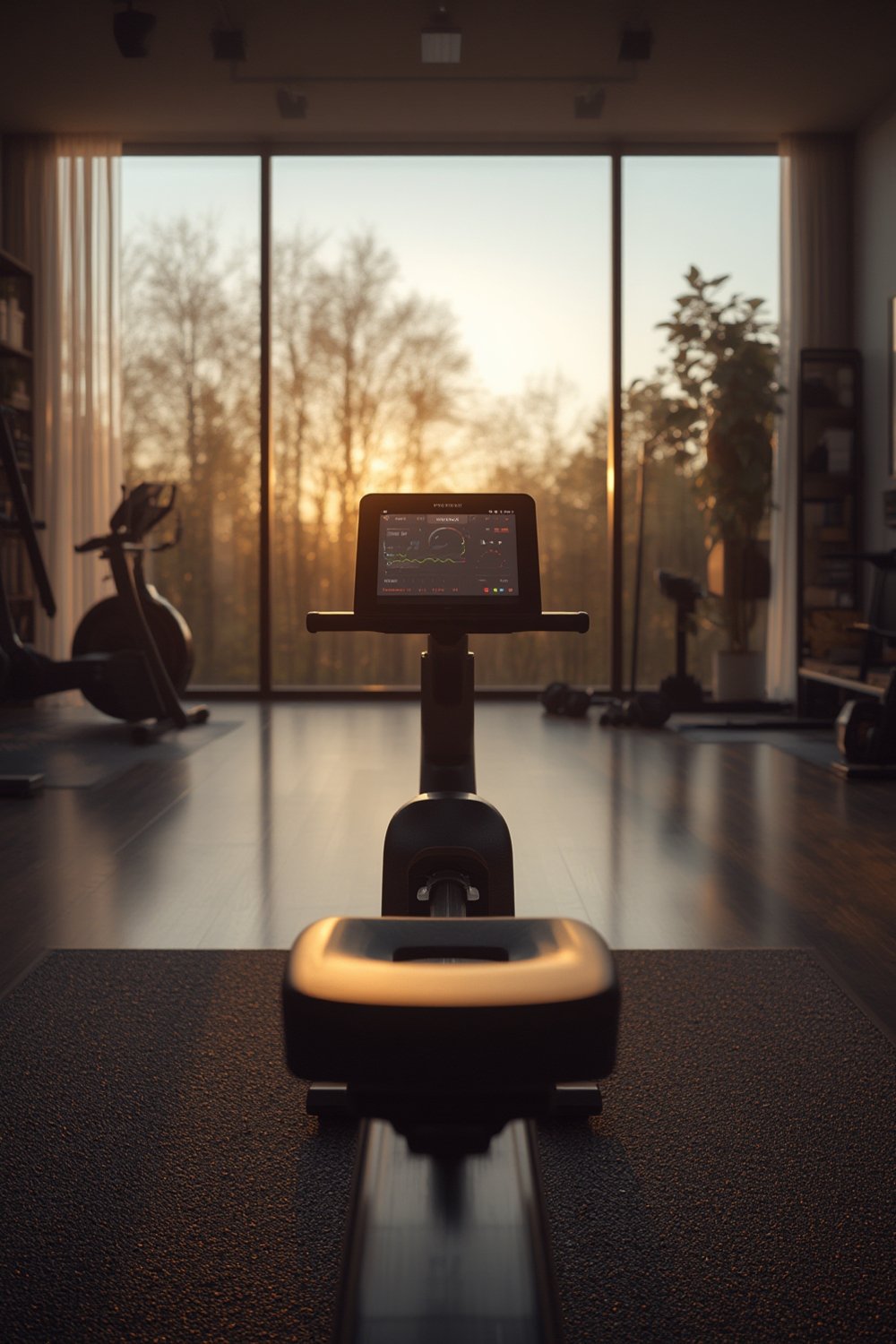
The global connected rowing machine market was valued between USD 1.2–1.62 billion in 2024, expected to double by 2033 as adoption accelerates (source). North America leads the way, driven by high demand for home digital fitness and a willingness to pay for premium features like app integration and live feedback (source).
Connected rowers stand out because they address the top pain points of home exercise: motivation, tracking progress, and boredom. Virtual leaderboards, trainer-led sessions, and rich data help owners stay committed longer. With 62% of sales now online and 55% of machines offering Bluetooth, this trend is only growing.
If you’re considering other smart home cardio gear, you might also compare options like the Best smart treadmill 2026 or smart exercise bikes for immersive home workouts.
How to Set Up and Maximize a Connected Rowing Machine at Home
-
Assess Your Space and Power Needs.
Measure floor space, accounting for seat movement and clearances. Typical rowers need at least 8–9 feet in length. Ensure a stable, flat area near a power outlet if the screen or sensors require AC power. -
Choose the Right Resistance and Connectivity.
Magnetic resistance models (40% market share) are much quieter—ideal for apartments. Air rowers, now catching up with smart sensors, offer a more “traditional rowing feel” and performance metrics suited to more competitive or serious rowers.- Bluetooth (55% of units shipped in 2024) is standard for app syncing and virtual coaching.
- Wi-Fi enables premium features like cloud backups, firmware updates, or online racing.
- Check for app compatibility—does it sync with your preferred rowing or fitness apps?
-
Unpack, Assemble, and Update Firmware Immediately.
Follow the manual and securely assemble the frame—don’t guess on bolts or wires.- Once powered on, connect to Wi-Fi/Bluetooth as prompted.
- Update firmware right away for best stability and app compatibility.
-
Set Up and Test the App Ecosystem.
Sign up for the manufacturer’s app (or compatible third-party platform). Create your user profile with metrics for personalized feedback. Explore available live classes or guided workouts. Test data syncing and any leaderboard features if offered. -
Plan Your Routine: Mix Live, On-Demand, and Solo Workouts.
Use trainer-led sessions for motivation, then practice technique with solo drills. Many users stick with their machine longer when mixing up the routine and joining community challenges. -
Monitor Device Stability and Data Privacy.
Watch for app crashes, missed data uploads, or Wi-Fi disconnects. Review and adjust device privacy settings within the app—some platforms collect a surprising amount of fitness data.
If concerns arise, reach out to customer support or consult forums for known fixes or workarounds.
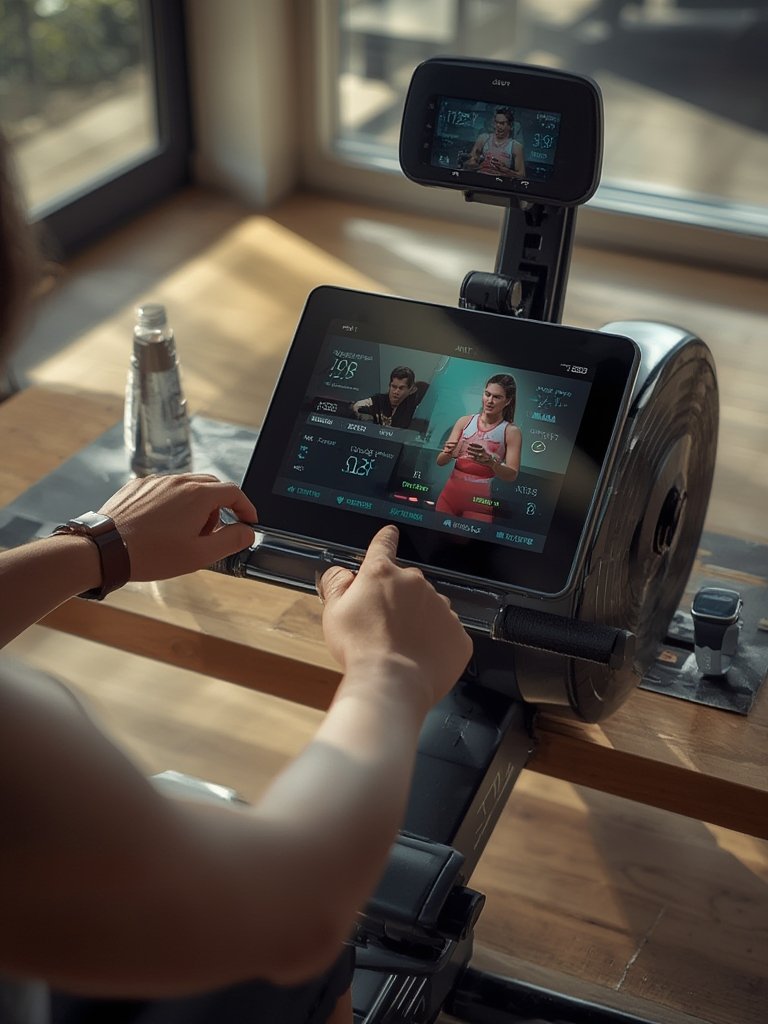
Ready to broaden your smart home gym setup? You’ll want to consider adding smart dumbbells for strength or even explore AI personal trainers for tailored home routines.
Advanced Analysis: Real-World Problems and Pitfalls
Smart rowing machines aren’t perfect. Before you buy, here’s what you’ll really face—based on both market research and the subtopics top guides often skip:
- Connectivity Issues: Bluetooth and Wi-Fi are convenient, but many users complain of frequent dropouts during workouts, leading to lost progress and frustration (source).
- App Stability: Not all apps are created equal—unexpected crashes and bugs disrupt sessions. Rapid firmware updates sometimes fix problems but occasionally introduce new ones.
- Data Privacy: Most major platforms collect workout and biometric data, often sharing it for “analytics” or marketing. Many guides ignore this; check privacy settings and terms before you start rowing.
- Compatibility Gaps: Your rower might not work with all fitness apps or smartwatches. Ask before you buy—compatibility claims are often vague.
- High Costs, Subscriptions, and Ongoing Maintenance: Premium models aren’t cheap. While direct-to-consumer sites (which make up 62% of sales) may offer deals, expect both upfront hardware charges and monthly app or content subscription fees (source).
- Durability and Maintenance: Few reviews discuss long-term reliability—issues with touchscreen wear or sensor drift are not uncommon after heavy use. Most manufacturers recommend periodic part inspection.
- Cross-Training Limitations: Many connected rowers focus on rowing only, with limited cross-training or full-body routine integration. This is in contrast to more versatile equipment, such as smart HIIT equipment or interactive yoga mats.
Here’s how leading options compare on critical specs:
| Feature | Magnetic Resistance | Air Resistance | Connectivity Options |
|---|---|---|---|
| Market Share (2024) | 40% | Traditional, now evolving with sensors | Bluetooth (55%), Wi-Fi, ANT+ |
| Key Advantages | Quiet, precise, adjustable for home (source) | Performance-driven, upgraded for smart metrics | App sync, leaderboards, instant updates |
| Interactive Features | Virtual coaching (42% of mid-range models) | Gamification, virtual racing | Real-time feedback, classes, cloud stats |
Crucially, many manufacturers don’t publish transparent side-by-side specs for compatibility with popular third-party apps or wearables—forcing buyers to “hope for the best” or rely on user forums for true answers.
There’s also little rigorous research proving that smart rowers deliver better weight loss or endurance benefits compared to traditional rowing, whether at home or in professional gyms (source). The appeal remains in motivation, accountability, and variety.
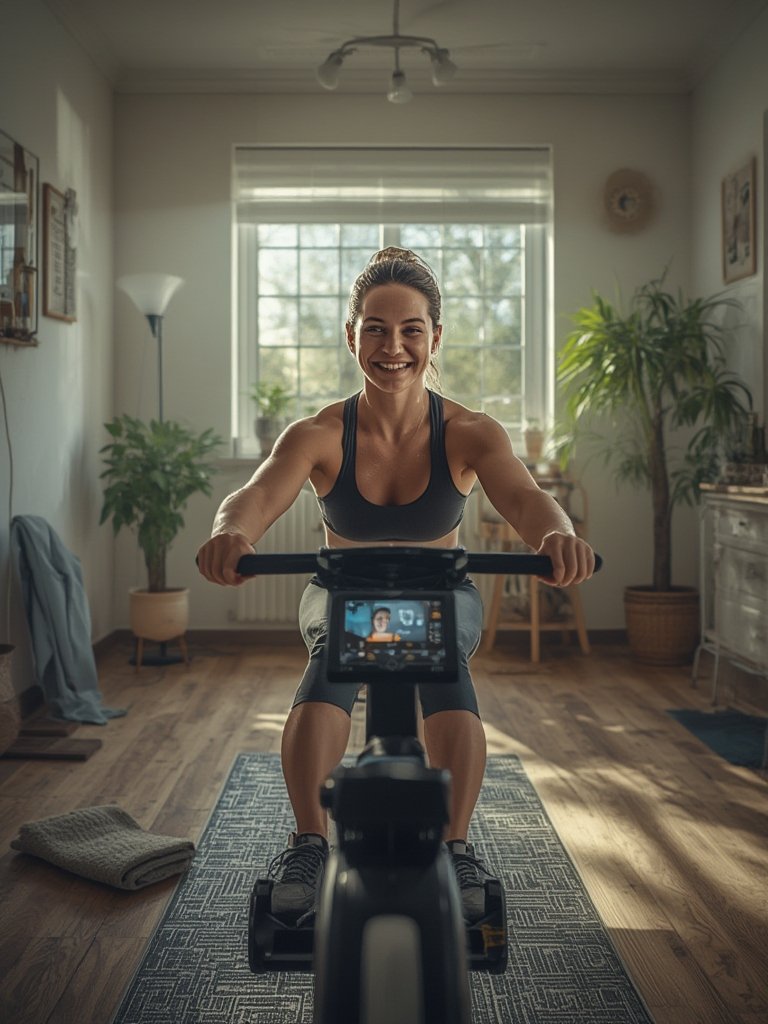
Before committing, review slower-adopting user demographics and home network reliability. And if you want even more immersive fitness, explore options like VR home workouts and interactive cycling bikes.
Conclusion
Smart fitness tech is surging, but buying blindly isn’t wise. Compare technical specs, check app stability, and understand the real costs including subscriptions and ongoing maintenance. Expect some teething pains—especially if you have spotty Wi-Fi or hope for seamless third-party app support.
Ultimately, Connected Rowing Machines can be an effective full-body upgrade for your home gym when you match features and reliability to your specific needs. Before you buy, read reviews, vet privacy settings, and consider alternatives for diversified training.
Ready to upgrade your routine? Research thoroughly, start slow, and test app integration before committing to a paid subscription. For more guidance, explore our complete reviews or discover the best options for your home smart rower setup and interactive strength equipment.
FAQ
How much space do I need for a connected rowing machine?
Most machines require at least 8–9 feet of length by 2–3 feet of width. Always measure your intended workout area before purchasing.
Do I need a monthly subscription to use all features?
Many smart rowers require a monthly subscription for live classes, virtual coaching, and advanced tracking. Core metrics like distance and time may still work without a subscription.
Are connected rowers compatible with Apple Health or Google Fit?
Some models sync natively, but many require workarounds or third-party apps. Always check compatibility before you buy to avoid disappointment. For maximum connectivity, consider a Apple Health or Google Fit compatible heart rate monitor.
Can I use a connected rower without any app or smart features?
Yes, almost all machines work in “manual” mode—just like classic rowers—if you skip the app setup. But you’ll miss out on tracking and interactive content.
What about maintenance and durability?
Wipe rails and seat rollers after each use, update firmware monthly, and inspect connections regularly. Long-term durability varies; touchscreen or sensor issues can develop after heavy use.